

OverDrive has made it even easier to borrow from a partner library using the Libby app
If you use the Libby app to borrow ebooks and audiobooks, you may have noticed changes to borrowing from partner libraries in the app.
For several years, London Public Library (LPL) has been part of a reciprocal lending partnership with several Ontario library systems. This partnership allows libraries in the network to share many titles from their OverDrive ebook and audiobook collections with patrons from other libraries in the network. This has been a very successful relationship for all libraries involved.
At London Public Library, our current partner libraries are:
Hamilton, Ottawa, Burlington, Kingston, Mississauga and Milton
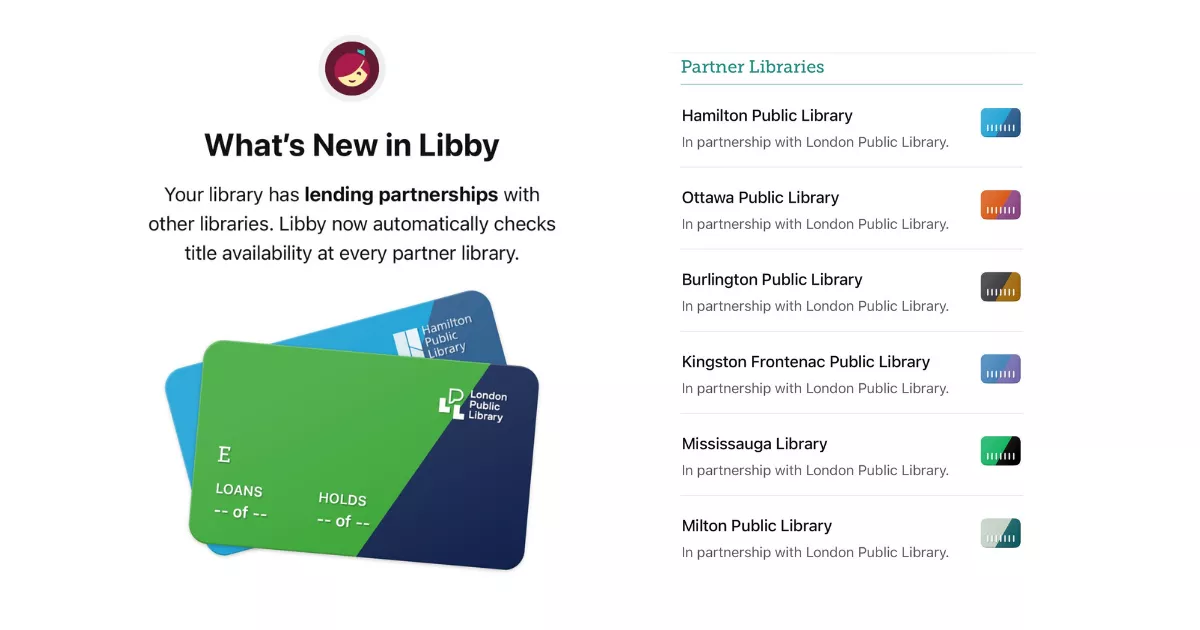
Partner library access improved
When using the partner library feature in the Libby app, you will no longer have to add your LPL card number at each partner library. Libby will automatically grant you access when you borrow or place a hold on a title from a partner library collection.
This means you may see additional borrowing opportunities from partner library collections without needing to individually search each partner library.
For example, you are now easily able to review wait times across partner libraries. Simply click the library card icon next to the title to compare wait times before deciding at which library to place your hold.
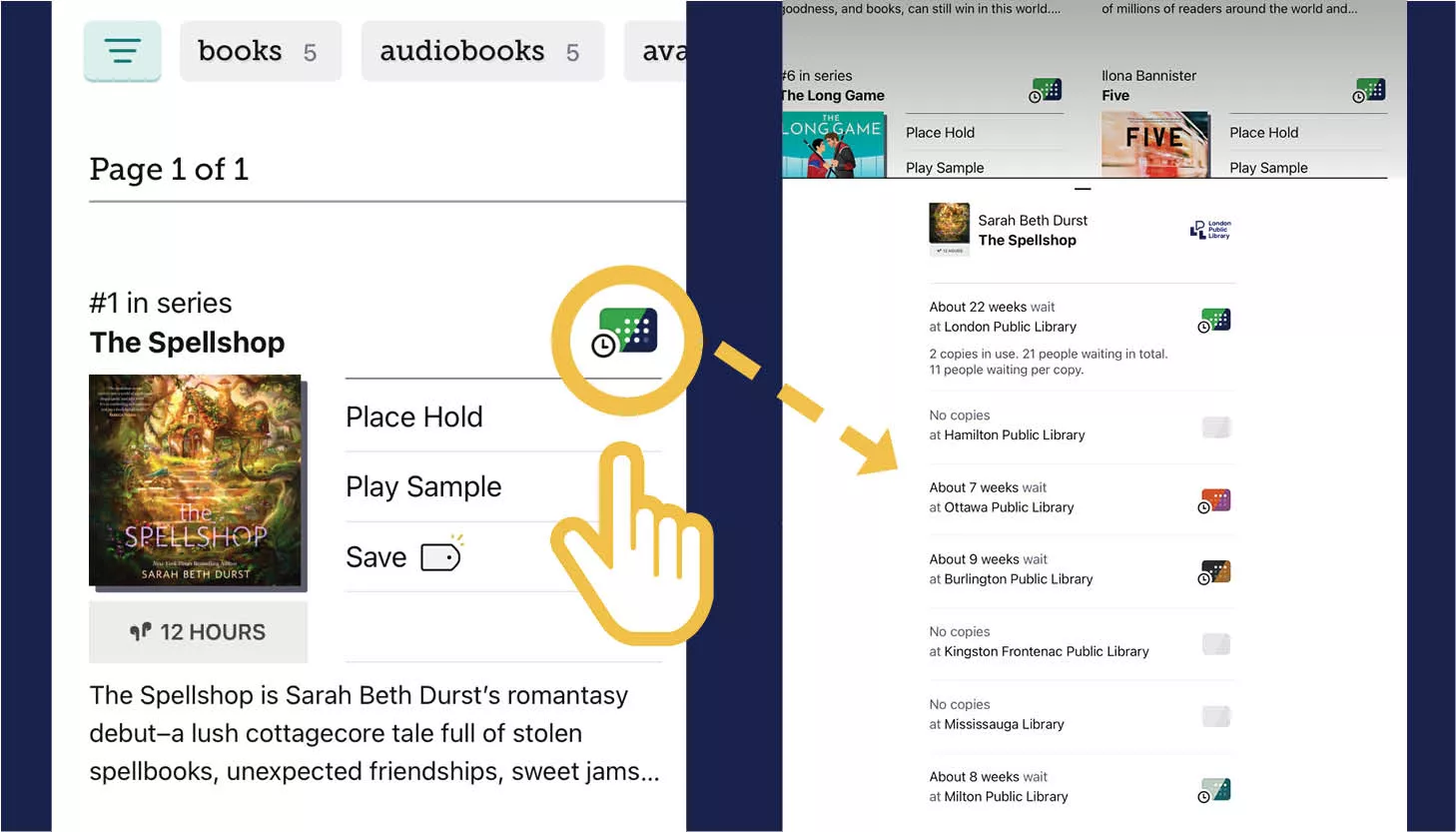
It is important to remember that home library patrons receive priority over partner library patrons in the holds queue at their own library, so you will always be prioritized when placing a hold on an LPL title. However, there may be times when placing a hold on a partner library copy may be helpful, such as when there is a significant difference in wait times or when you have reached our borrowing limit of 10 titles.
With this update, when LPL’s copy has a wait list or does not own the title, Libby will display available copies from partner libraries if these do not have a wait list.
New to LPL: Deep Search and Notify Me
Deep Search on the Libby app scans all the titles that Overdrive has in their entire catalogue. If the title is not available at LPL or a partner library, you can choose to place a Notify Me tag on the title.
Notify Me: If a title is not owned by LPL or any of our partner libraries, you will see a small bell symbol beside the library card icon when searching by title. This feature, called “Notify Me”, allows patrons to request to be notified if the title is acquired in the future. While there is no guarantee that the title will be purchased, Libby will send you a notification if the title is purchased in the future and is now available to borrow or place on hold.
If you are looking for more information about using the Libby app, OverDrive has an excellent Libby help section here on its website.